Find the Best Ecommerce Themes for Your Online Store
Expert reviews, speed tests, comparisons, and buying guides to help you choose the perfect theme for Shopify, WooCommerce, Magento, and other ecommerce platforms.
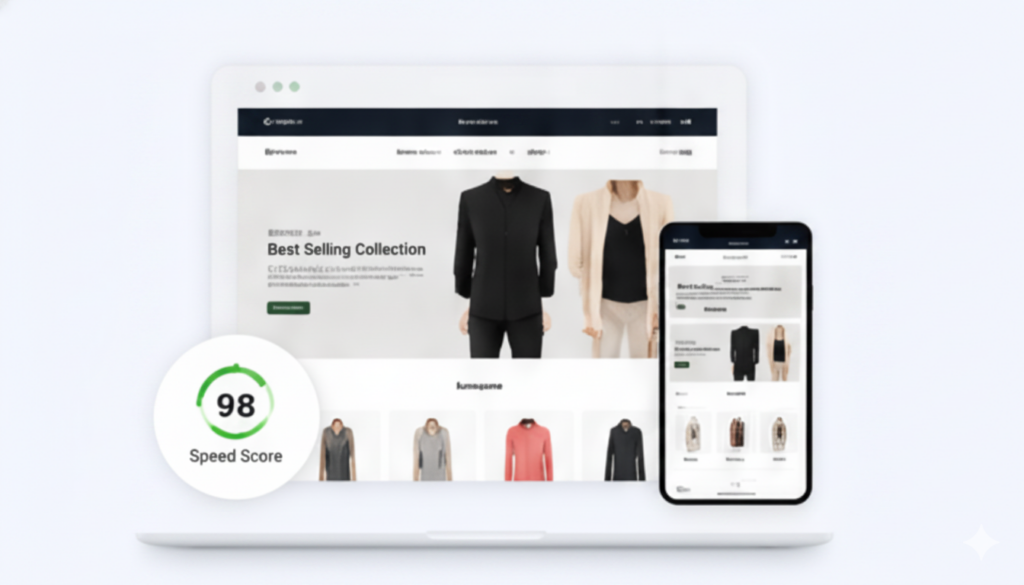
Explore Themes by Platform




OpenCart & More
Themes for OpenCart, PrestaShop, and other ecommerce platforms.
Explore->
Featured Theme Reviews
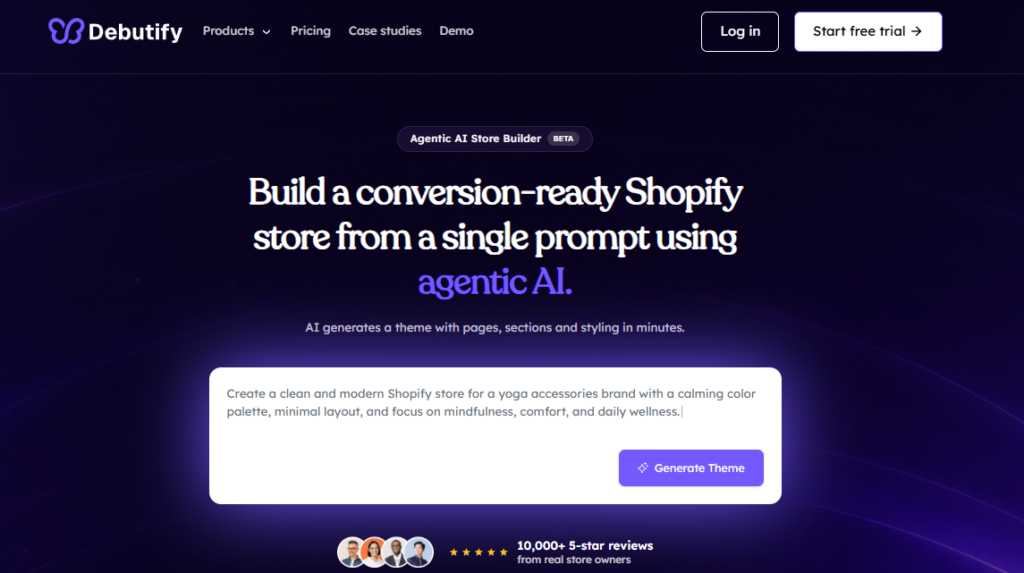
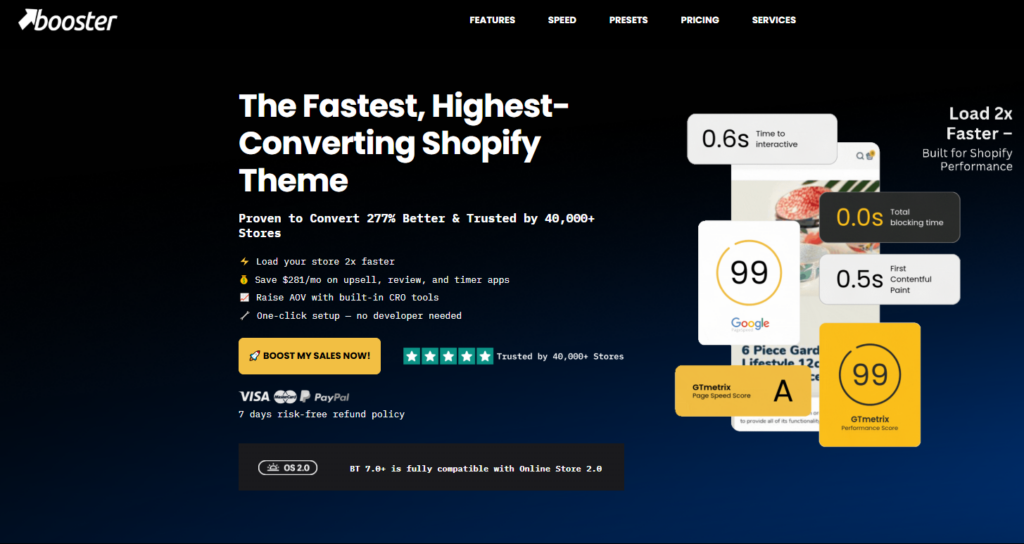
Best Theme Collections




Popular Theme Comparisons
Ecommerce Performance Guides

Ecommerce Themes for Every Online Store
Ecommerce themes determine the visual structure, layout, and functionality of every online store, directly influencing customer experience and conversion rates.
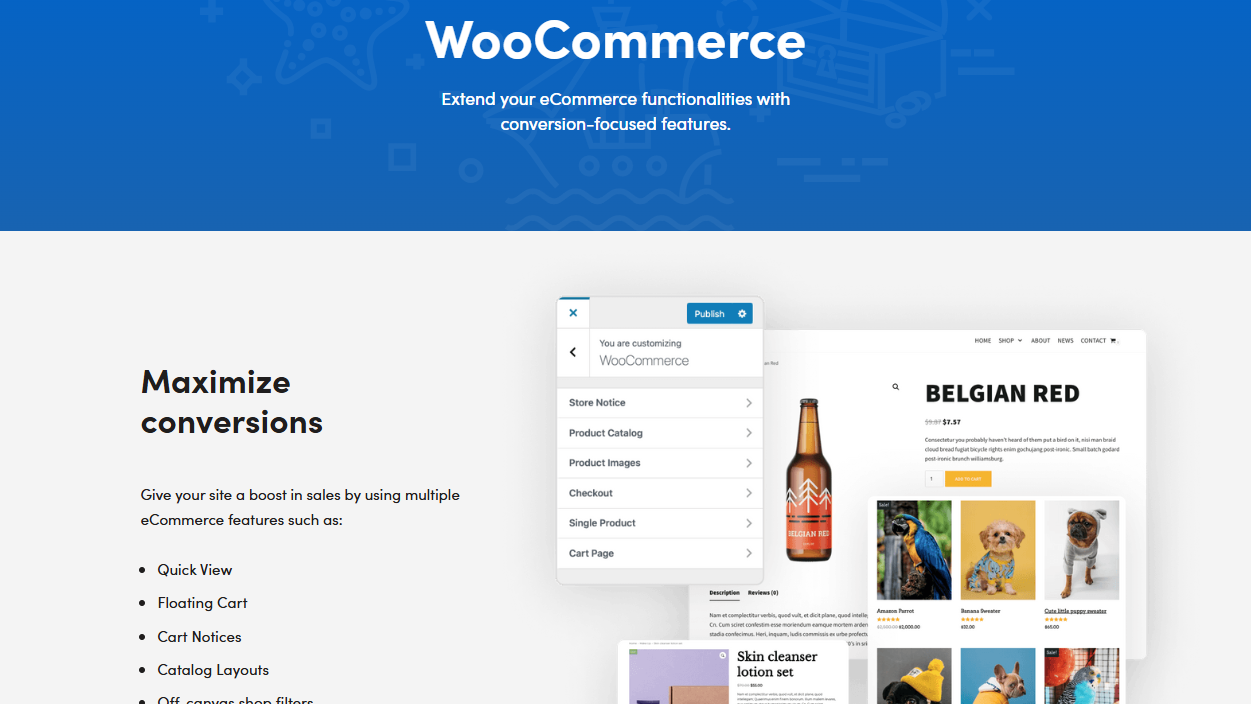
You’ll find themes designed for specific retail categories, including fashion boutiques, electronics retailers, and digital product storefronts. Platforms like Shopify offer over 100 professionally designed themes, while WooCommerce provides 1,000-plus theme options through its marketplace.
Each theme controls critical storefront elements: navigation menus, product grids, checkout pages, and mobile responsiveness. Your conversion rate increases by up to 35% when you implement a theme optimized for mobile devices, according to Google’s retail benchmarks.
Select a theme matching your brand identity, product catalog size, and target audience behavior if you want sustainable sales growth and reduced cart abandonment rates.
How to Choose the Best Ecommerce Theme
Choosing the best ecommerce theme requires evaluating 5 core factors: speed and performance, mobile responsiveness, SEO features, customization options, and platform compatibility.
Your theme’s load time directly impacts conversions, as a 1-second delay reduces sales by 7%, while mobile responsiveness ensures your store functions across devices like smartphones and tablets.
You’ll also want to confirm that your chosen theme supports platform-specific SEO tools and flexible customization options if you plan to scale your store’s design over time.
Speed & Performance
Speed and performance directly impact your store’s revenue, with studies showing a 1-second delay in page load time reducing conversions by 7%. Choose a theme with a Google PageSpeed score of 90 or higher to ensure fast loading across devices.
Lightweight themes, such as those built with minimal CSS and optimized JavaScript, load faster than feature-heavy alternatives. Test your theme’s performance using tools like Google PageSpeed Insights, GTmetrix, or Lighthouse before committing.
Prioritize themes that support lazy loading, which defers off-screen images until users scroll to them. Avoid themes bundling unnecessary plugins, sliders, or animations that add HTTP requests and increase load time.
Select a theme developer who regularly releases performance updates to maintain speed as browsers and standards evolve.
Mobile Responsiveness
Mobile responsiveness is essential for ecommerce themes because 73% of global ecommerce sales occur on mobile devices. You need a theme that automatically adjusts layouts, images, and navigation menus across screen sizes, including smartphones, tablets, and desktops. Test your theme’s mobile performance using Google’s Mobile-Friendly Test tool before committing to a purchase.
Prioritize themes that use fluid grid systems, flexible images, and CSS media queries to deliver seamless user experiences. Your conversion rate drops by 4.42% for every additional second of mobile page load time, so select lightweight themes with optimized code.
Verify that touch-friendly elements, including buttons measuring at least 44×44 pixels, appear correctly on smaller screens. Choose a theme that passes Core Web Vitals benchmarks to maximize mobile search rankings and customer retention.
SEO Features
Beyond mobile performance, your ecommerce theme’s built-in SEO features directly determine how search engines index and rank your product pages. Choose a theme that generates clean HTML5 markup, structured data (Schema.org), and canonical tags automatically. These technical elements help search engines like Google accurately interpret product listings, prices, and availability.
Your theme should support customizable meta titles, meta descriptions, and heading hierarchy (H1, H2, H3) for every page. Fast-loading themes reduce bounce rates, since Google’s Core Web Vitals benchmarks reward pages loading under 2.5 seconds. Look for built-in XML sitemap generation and Open Graph tags, which improve indexability and social sharing simultaneously.
Prioritize themes with lazy-loading images, minified CSS, and JavaScript deferral if organic search traffic represents a primary acquisition channel for your store.
Customization Options
Everything about your store’s visual identity depends on how flexibly your ecommerce theme handles customization. Choose a theme that lets you modify core design elements, including typography, color palettes, button styles, and layout grids, without touching a single line of code.
Platforms like Shopify and WooCommerce support drag-and-drop editors that give you pixel-level control over your storefront. Look for themes offering modular sections, such as hero banners, product carousels, and testimonial blocks, so you can rearrange your page structure freely.
Verify that the theme supports CSS overrides if you need advanced styling adjustments. A theme with 50+ pre-built section templates reduces build time significantly. Prioritize customization depth over visual appeal alone, since a beautiful but rigid theme limits your brand’s long-term scalability.
Platform Compatibility
Your ecommerce theme must match the platform you’re building on, if that’s Shopify, WooCommerce, BigCommerce, or Magento, because themes aren’t universally cross-compatible.
Each platform uses distinct coding frameworks, such as Shopify’s Liquid templating language or WooCommerce’s PHP-based architecture, making themes exclusive to their ecosystems.
You’ll find over 100 free and premium themes on Shopify’s Theme Store, while WooCommerce offers 1,000+ themes through third-party marketplaces like ThemeForest.
Verify that your chosen theme supports your platform’s current version to avoid functionality conflicts.
Check compatibility with essential plugins, including payment gateways, inventory managers, and SEO tools, before committing to a purchase.
Developers regularly release updates, so select themes from vendors who provide ongoing platform-specific support to maintain long-term stability and security across your store.
Support & Updates
Reliable support and regular updates are non-negotiable when choosing an ecommerce theme, since outdated or unsupported themes expose your store to security vulnerabilities, broken functionality, and compatibility failures.
Verify that your theme developer provides documented update histories, active customer support channels such as live chat or ticketed systems, and a response time under 24 hours. Choose themes that receive updates at least quarterly, ensuring compatibility with platform versions like WooCommerce 8.x or Shopify 2.0.
Check user reviews on verified marketplaces, including ThemeForest or TemplateMonster, to confirm consistent developer responsiveness. Prioritize themes backed by dedicated support teams rather than solo developers, since solo developers carry a higher abandonment risk.
A well-maintained theme reduces downtime, protects revenue, and sustains long-term store performance.
Ecommerce Theme Platforms Compared
Shopify, WooCommerce, BigCommerce, Squarespace, and Wix each offer distinct theme ecosystems that differ in cost, customization depth, and technical requirements.
- Shopify provides over 100 themes, ranging from $0 to $500, with deep Liquid-code customization.
- WooCommerce offers thousands of themes through third-party marketplaces like ThemeForest, costing $0 to $200, but requires WordPress hosting and PHP knowledge.
- BigCommerce supplies 12 free themes and 150+ premium options priced at $150 to $400, supporting Stencil framework customization.
- Squarespace delivers 110+ fully responsive templates at no additional cost beyond its subscription plans, limiting custom code access.
- Wix provides 900+ templates free with its subscription, though switching templates post-launch requires rebuilding your site.
- You’ll choose the best platform based on your technical skill level and budget.
Why Theme Performance Matters
Theme performance directly impacts your store’s revenue, with Google research showing that a 1-second delay in mobile load times reduces conversions by up to 20%.
Slow-loading themes damage three critical business metrics: search rankings, bounce rates, and cart completion rates. Google’s Core Web Vitals algorithm penalizes pages with Largest Contentful Paint scores exceeding 2.5 seconds, pushing your store lower in search results. Shoppers abandon carts at a 75% higher rate when pages take longer than 3 seconds to load.
Your theme’s code structure determines performance, including CSS file size, JavaScript execution time, and image compression efficiency.
Platforms like Shopify report that stores achieving sub-2-second load times generate 15% higher average order values than slower competitors. Prioritize lightweight themes with optimized asset delivery to protect your conversion rates.
FAQs
An FAQ section on an ecommerce theme addresses common questions buyers ask before purchasing, covering topics like licensing, customization, and browser compatibility.
What is an ecommerce theme?
A ecommerce theme is a pre-built design template that controls the visual layout, structure, and styling of an online store.
It determines how your product pages, navigation menus, and checkout forms appear to shoppers.
You can customize colors, fonts, and page sections without coding.
Platforms like Shopify and WooCommerce offer themes in free and paid tiers.
What is the best ecommerce theme?
Choosing the best ecommerce theme depends on your store’s niche, traffic volume, and feature requirements, but Shopify’s Dawn theme ranks as the top free option for most online retailers due to its lightweight architecture, mobile-first design, and built-in support for Shopify’s Online Store 2.0 framework.
Dawn loads in under 1.2 seconds, supports structured JSON-LD data, and integrates 25 customizable sections.
Are premium themes worth it?
Premium ecommerce themes are worth the investment if your store generates over $5,000 in monthly revenue, requires advanced features like predictive search, infinite scroll, or multi-currency display, and needs a polished, brand-specific aesthetic that free themes can’t deliver.
Premium themes, such as Turbo or Prestige, cost $180–$380 one-time, reducing long-term developer fees by up to 60%.
How much do ecommerce themes cost?
Ecommerce themes range from $0 for free options like Shopify’s Dawn or WooCommerce’s Storefront to $380 for premium themes like Turbo or Prestige.
Marketplace platforms like ThemeForest offer mid-range themes between $39 and $99.
You’ll also encounter subscription-based models, such as Squarespace, charging $16 to $49 monthly, which bundles theme access with hosting, making upfront costs lower but long-term expenses higher.
Which themes are best for SEO?
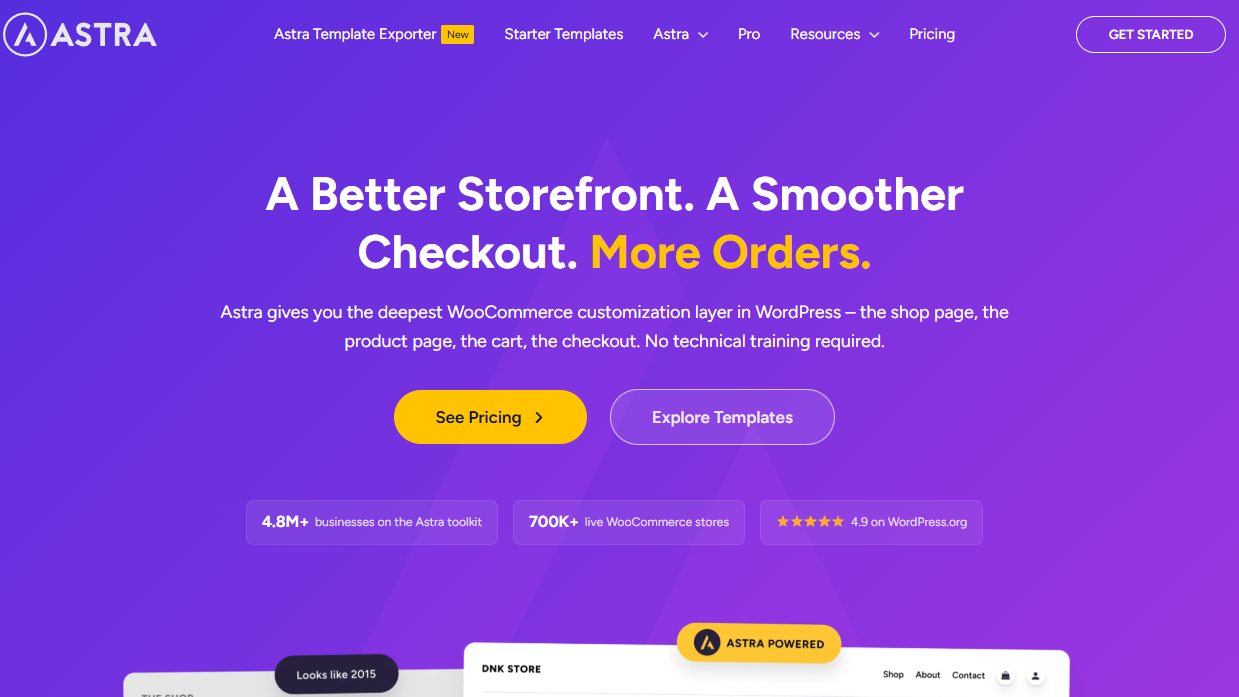
Themes like Shopify’s Dawn, WooCommerce’s Astra, and BigCommerce’s Cornerstone rank among the best for SEO because they deliver clean code, fast load times, and mobile-first design—three factors Google’s algorithm directly rewards.
These themes also generate structured data markup automatically, helping search engines index product pages, categories, and breadcrumbs accurately, which strengthens your store’s organic search visibility.
Which themes load fastest?
Shopify’s Dawn, Hydrogen, and WooCommerce’s GeneratePress consistently load fastest among ecommerce themes, with Google PageSpeed Insights scores averaging above 90 on mobile and desktop.
Dawn achieves a 0.8-second Largest Contentful Paint (LCP), Hydrogen delivers server-side rendering for sub-second load times, and GeneratePress keeps page sizes under 30KB, making each optimal if you’re prioritizing site speed.
Can I switch themes without losing products?
Switching ecommerce themes doesn’t delete your products, orders, or customer data, since these are stored in your store’s database rather than the theme files themselves.
You’ll only need to rebuild theme-specific customizations, such as banners, fonts, and color schemes. Test your new theme on a staging environment before going live to catch layout or functionality issues in advance.
Are free ecommerce themes good enough?
Free ecommerce themes work well enough for small stores, startups, or businesses testing a new market, but they carry limitations that paid themes don’t.
You’ll typically get fewer customization options, limited support, and outdated designs.
Platforms like Shopify offer 12 free themes, while WooCommerce provides 6.
Upgrade to a paid theme if you need advanced features, unique branding, or conversion-optimized layouts.
Which Shopify theme converts best?
Among Shopify’s paid themes, Impulse consistently ranks as the highest-converting option, with merchants reporting conversion rate improvements of 10–20% after switching from free themes.
Which WooCommerce theme is fastest?
Astra is the fastest WooCommerce theme, achieving Google PageSpeed scores of 90–98 on mobile and desktop by using lightweight CSS, deferred JavaScript loading, and a modular architecture that loads only the assets each page requires.
You’ll also find that Astra generates under 30KB of CSS, supports lazy image loading, and integrates with caching plugins like WP Rocket to reduce server response times below 200 milliseconds.
Latest Ecommerce Theme Deals & Coupons
Save on premium Shopify, WooCommerce, Magento, and BigCommerce themes with verified discounts, seasonal promotions, and exclusive theme deals. You can also check Bloggersneed’s Elegant Themes discount guide for more ways to save on top-rated page builders.
Why Trust EcommerceThemes.org
Choosing the right ecommerce theme can impact your store’s design, user experience, search visibility, and conversion rates. That’s why we focus on providing practical reviews, comparisons, and recommendations based on real-world experience building and managing websites.
Experienced Website Publisher
EcommerceThemes.org is operated by Abdullah Prem, an experienced blogger and website publisher who has spent years working with WordPress themes, Shopify themes, hosting providers, plugins, SEO tools, and SaaS products.
Founder of BloggersNeed.com
As the founder of BloggersNeed.com, Abdullah has helped thousands of website owners discover the right tools, themes, and services for growing their online businesses.
Real Testing & Research
We evaluate ecommerce themes based on factors that matter most to store owners, including performance, customization options, mobile responsiveness, SEO features, user experience, support quality, and overall value.
Transparent Affiliate Disclosure
Some links on this website may earn a commission at no additional cost to you. However, our recommendations are based on research, experience, and product quality—not commission rates.
Built for Ecommerce Store Owners
Our goal is simple: help entrepreneurs, marketers, agencies, and ecommerce businesses find the best themes for building faster, better-looking, and higher-converting online stores.
Recent Posts
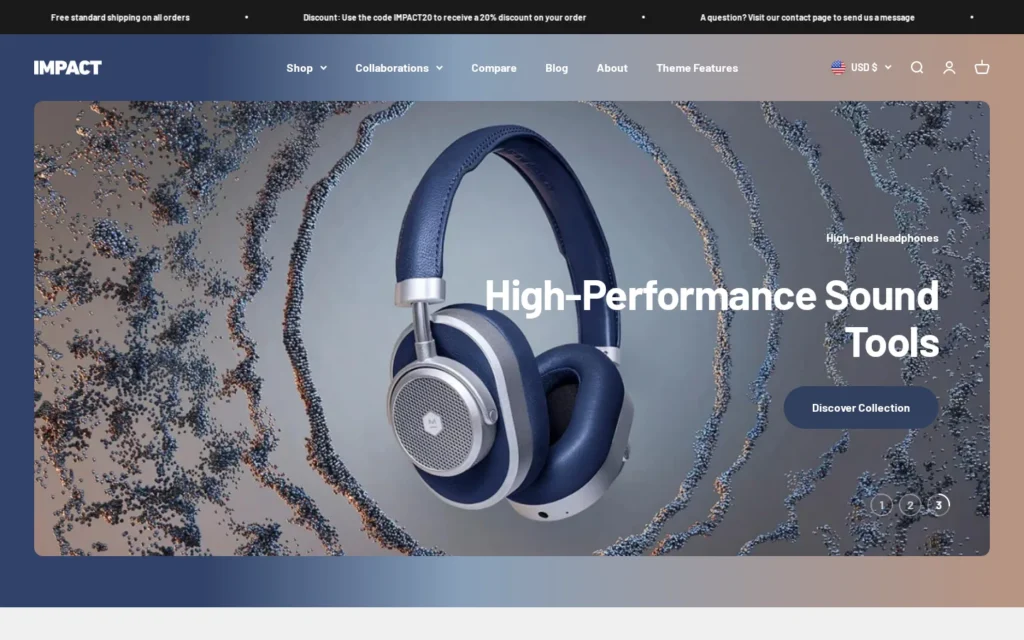
Impact Shopify Theme Review 2026: Price, Features & Demo
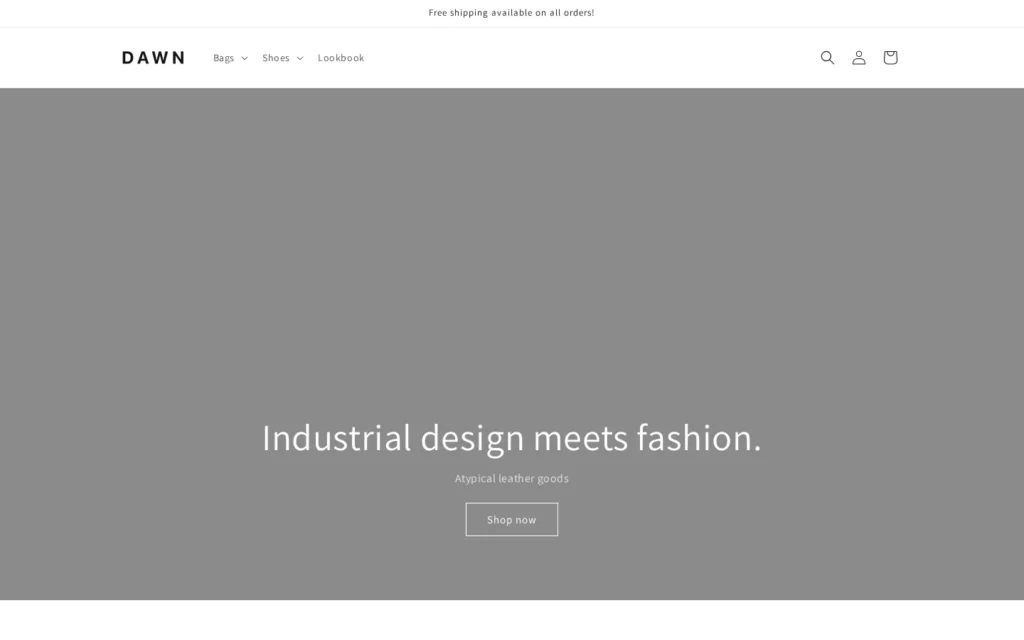
Dawn Shopify Theme Review 2026: Price, Features & Demo

Wonder Shopify Theme Review 2026: Price, Features & Demo

Vivid Shopify Theme Review 2026: Price, Features & Demo
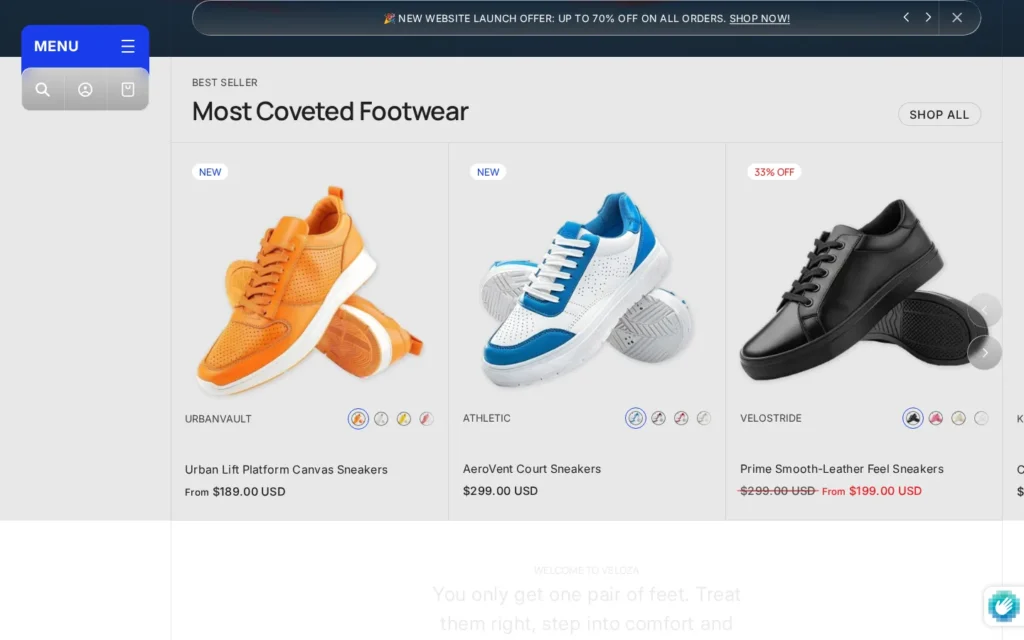
Veloza Shopify Theme Review 2026: Price, Features & Demo
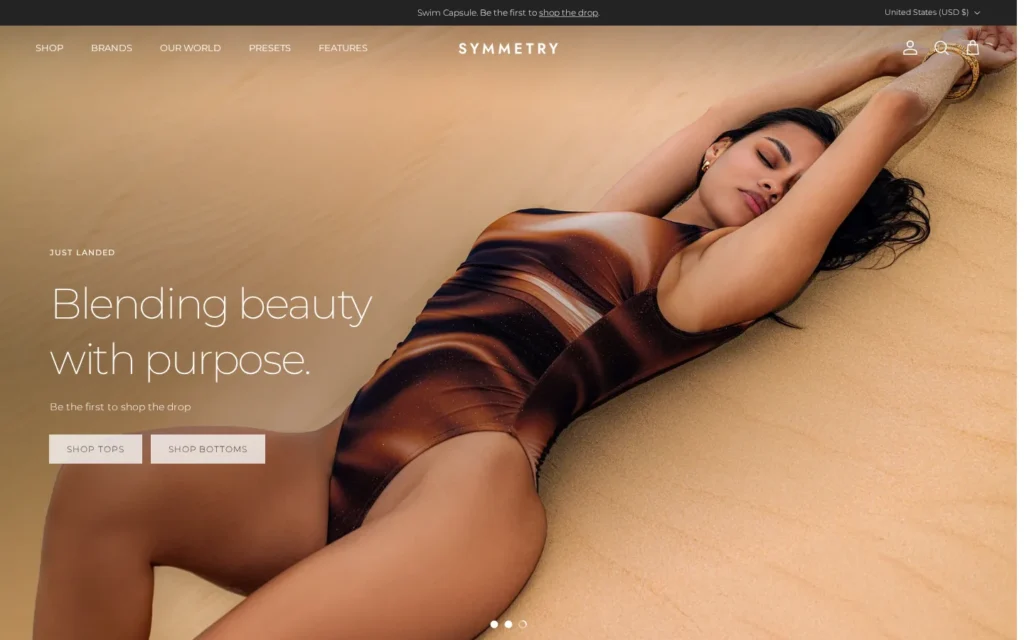
Symmetry Shopify Theme Review 2026: Price, Features & Demo
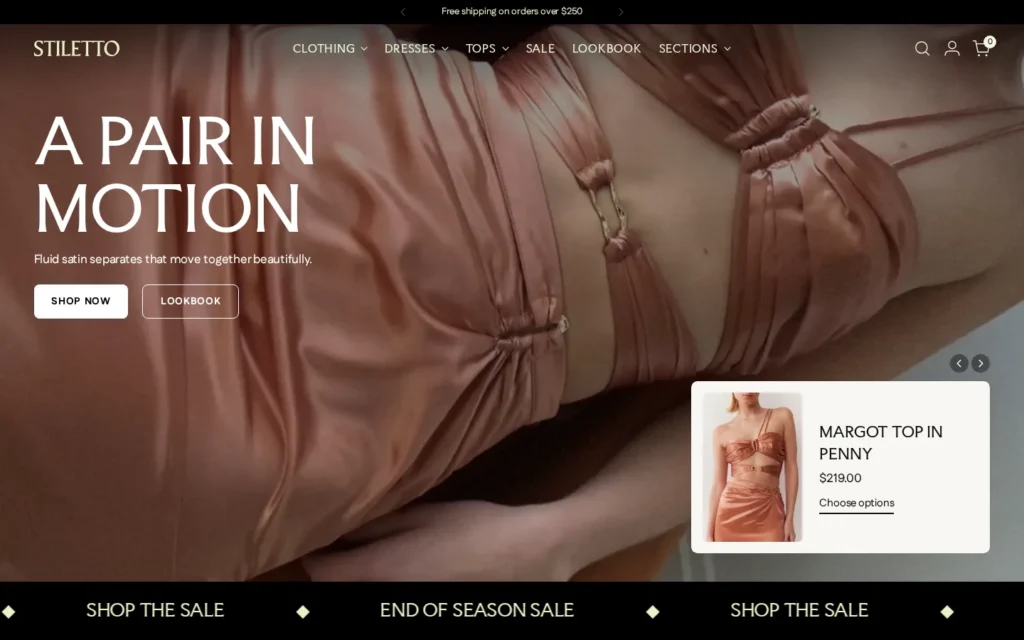
Stiletto Shopify Theme Review 2026: Price, Features & Demo
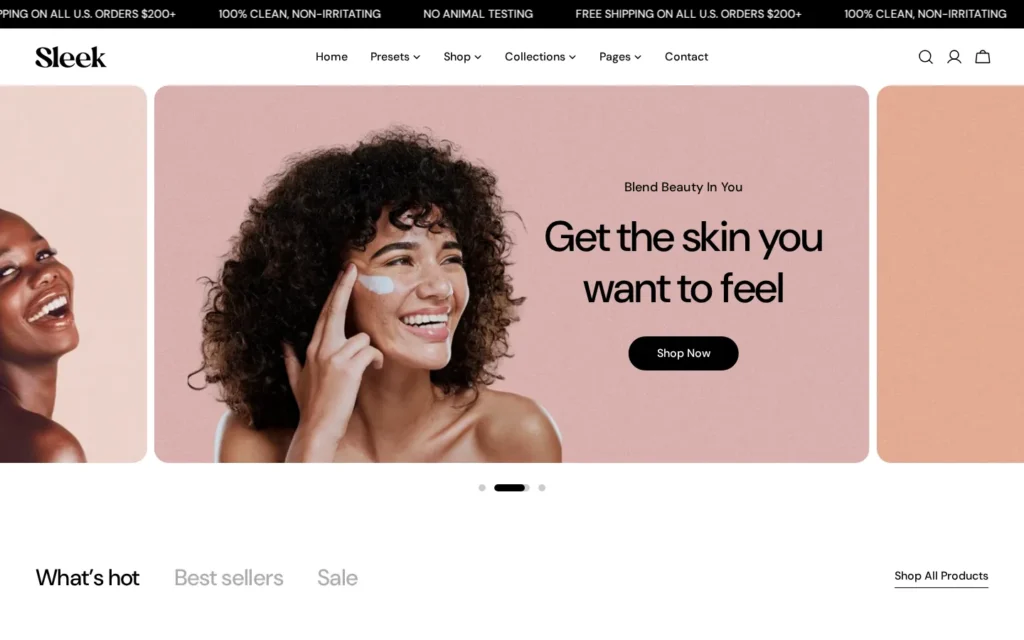
Sleek Shopify Theme Review 2026: Price, Features & Demo