
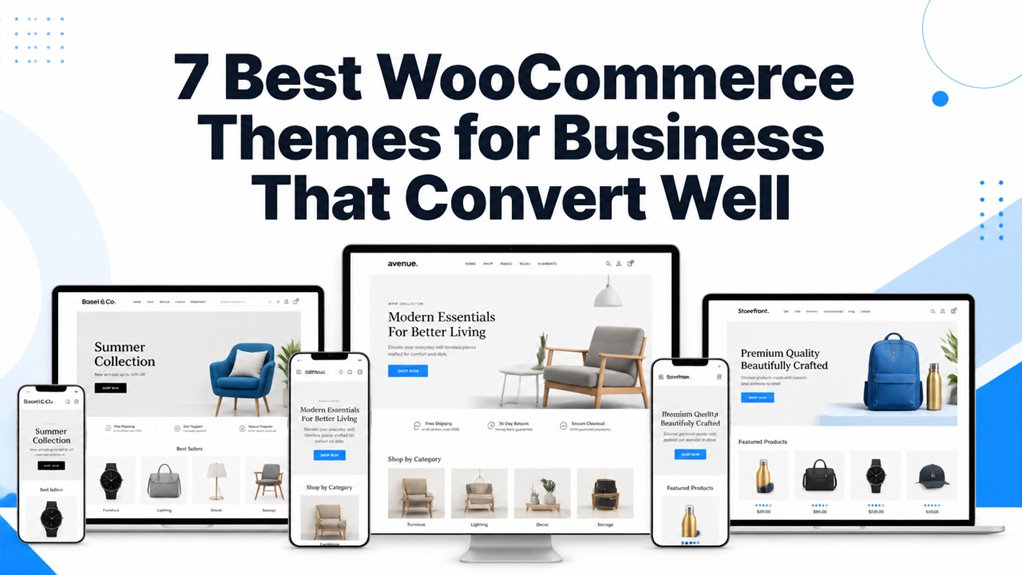
Corporate enterprises, B2B service firms, and consulting agencies demand sophisticated eCommerce capabilities alongside corporate branding. Modern business websites must present professional service packages, process corporate retainer invoices, and facilitate recurring subscription payments securely.
Our Best WooCommerce Theme Picks
The best WooCommerce themes for business combine corporate layout designs, flexible service catalog modules, appointment booking integrations, and high-speed checkout flows. Our evaluation benchmarks the leading templates based on enterprise customizability, Core Web Vitals efficiency, and B2B transaction support.
| Theme Name | Business Sector | Page Builder | Core Commercial Strength | Direct Link |
|---|---|---|---|---|
| Poket | Consulting & Multi-Industry B2B | Elementor | 100+ Pre-built corporate niche demos | View Theme |
| Monstroid2 | Enterprise Corporations | Elementor | Modular JetPlugins suite & dynamic content | View Theme |
| Consalt | Financial & Management Advisory | Elementor | Appointment booking & retainer packages | View Theme |
| Woostroid2 | Corporate Online Stores | Elementor | WooCommerce catalog mode & bulk ordering | View Theme |
| Hazel | Creative Agencies & Studios | WPBakery / Visual | Minimalist typography & portfolio grids | View Theme |
| ITAgency | SaaS & Managed IT Providers | HTML5 / Modular | SLA pricing tiers & service request forms | View Theme |
| Techvio | Tech Consulting & Solutions | HTML5 / Bootstrap | Case study highlights & quote calculators | View Theme |
Corporate websites must maintain high conversion efficiency while processing service bookings and digital transactions. Read our practical conversion optimization guide to maximize qualified business inquiries.
Poket – Business And Multipurpose Responsive WordPress Theme
Poket delivers an extensive corporate WordPress theme equipped with over 100 industry-specific demos, advanced Elementor header builders, and built-in WooCommerce compatibility. It allows corporate teams to deploy high-authority websites for consulting firms, logistics agencies, and manufacturing vendors rapidly.
Review the corporate homepage demo for Poket showcasing multi-department service navigation below.
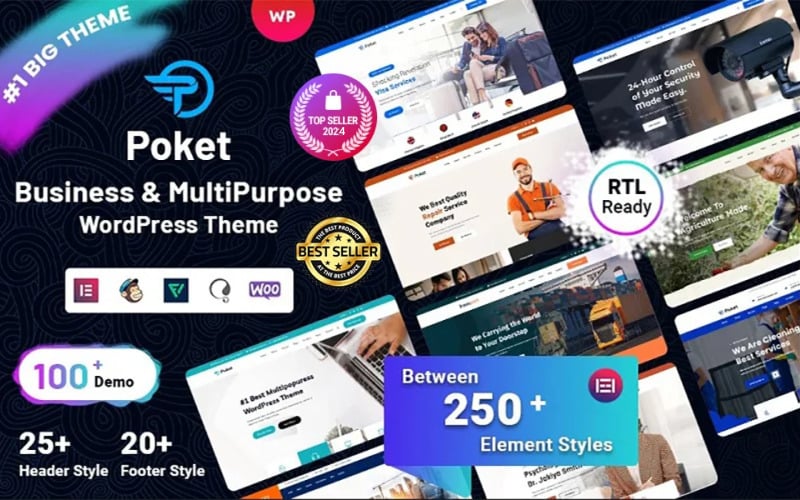
The visual arrangement demonstrates structured call-to-action sections and corporate service summaries designed for B2B lead generation.
Poket stands out through its vast library of niche business demos covering financial advisory, construction, medical management, and technology outsourcing. Each concept includes specialized team profiles, client case study carousels, and client testimonial sliders.
The theme integrates smoothly with WooCommerce, allowing professional services firms to bill clients directly through fixed-price consulting packages, digital whitepaper downloads, or ongoing monthly retainer subscriptions.
Examine the responsive service details and pricing grid layout for Poket below.
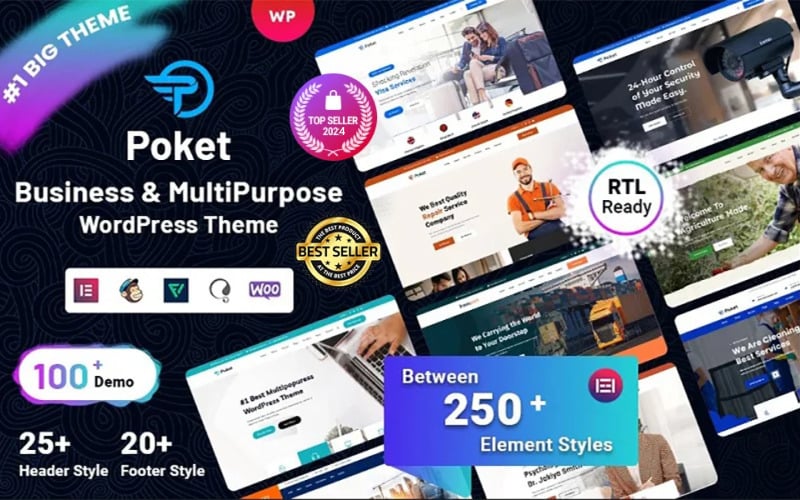
The pricing comparison table presents deliverables, turnaround timelines, and checkout triggers with corporate clarity.
Poket utilizes clean code standards that minimize unused CSS and JavaScript execution. This architectural efficiency ensures fast page loads and smooth navigation across desktop workstations and mobile handhelds.
Monstroid2 – Multipurpose Modular WordPress Elementor Theme
Monstroid2 is a flagship modular WordPress theme powered by Elementor and the complete JetPlugins suite. It provides enterprise corporations with unmatched design flexibility, custom post type management, and scalable WooCommerce catalog modes suitable for complex commercial enterprises.
Inspect the enterprise corporate layout of Monstroid2 featuring dynamic module grids below.
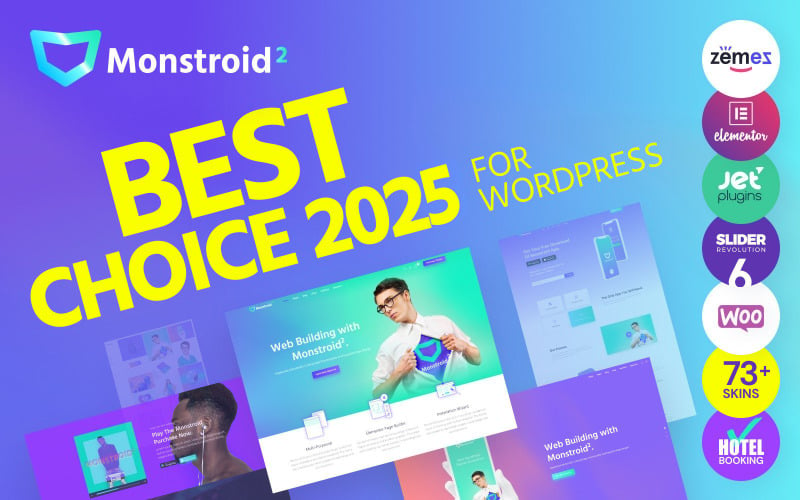
The screenshot captures high-impact corporate hero banners and customizable service blocks built for enterprise firms.
Monstroid2 includes premium JetEngine tools that let business administrators build custom data structures without programming knowledge. Corporate portals can manage staff directories, global branch offices, and client RFP portals with ease.
The theme provides robust WooCommerce customization modules via JetWooBuilder. Corporate stores can customize single product pages, add multi-step quote request forms, and establish tiered B2B pricing schedules effortlessly.
Review the corporate project showcase layout of Monstroid2 displayed below.
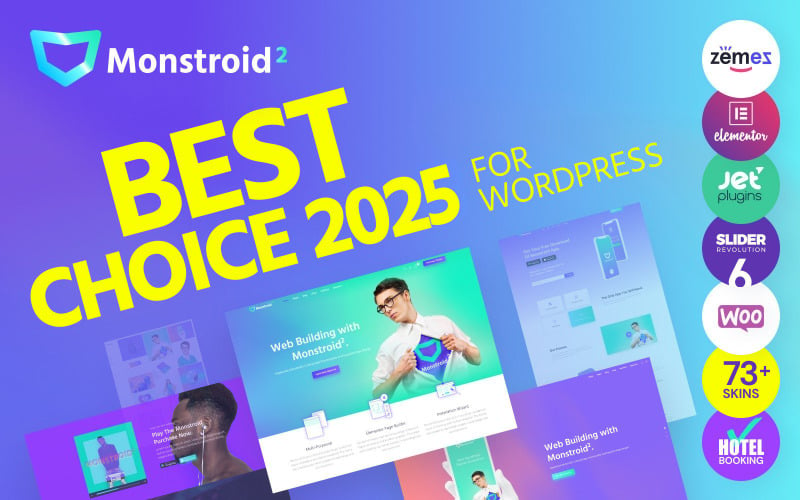
The portfolio layout uses responsive filter tags and modal popups to highlight corporate case studies effectively.
Monstroid2 receives regular updates and performance refinements, ensuring reliable compatibility with the latest WordPress releases. Enterprise teams can evaluate performance benchmarks in our theme speed optimization guide.
Consalt – Consulting Responsive WordPress Theme
Consalt functions as a purpose-built consulting and financial advisory theme engineered to turn corporate visitors into scheduled consultations. It integrates appointment booking forms, interactive cost estimation calculators, and sleek service tables tailored for professional business practices.
Examine the consulting homepage interface of Consalt featuring advisory appointment booking below.
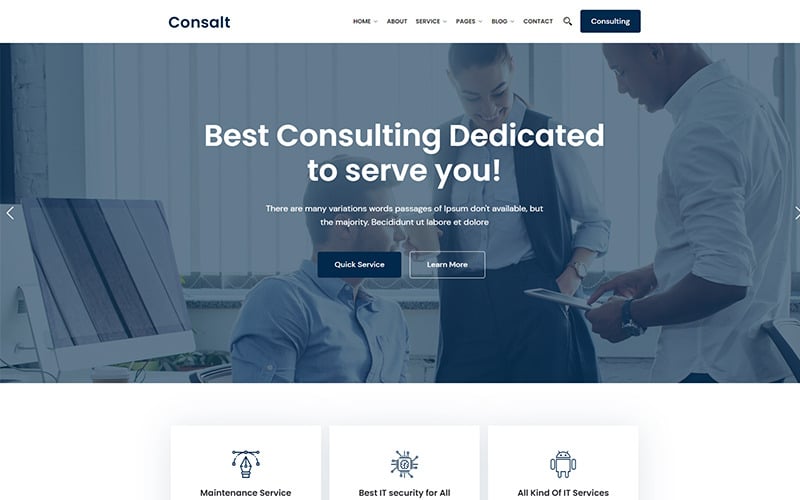
The design places direct consultation booking triggers and partner certification badges in prominent view.
Consalt is tailored specifically for management consultants, accounting firms, and business coaching agencies. Its integrated cost calculator lets prospective clients estimate project budgets before submitting formal inquiries.
Through its native WooCommerce integration, consultants can sell downloadable strategy guides, conduct paid client discovery calls, and accept monthly retainer payments through credit card gateways.
Check the corporate service detail presentation of Consalt shown below.
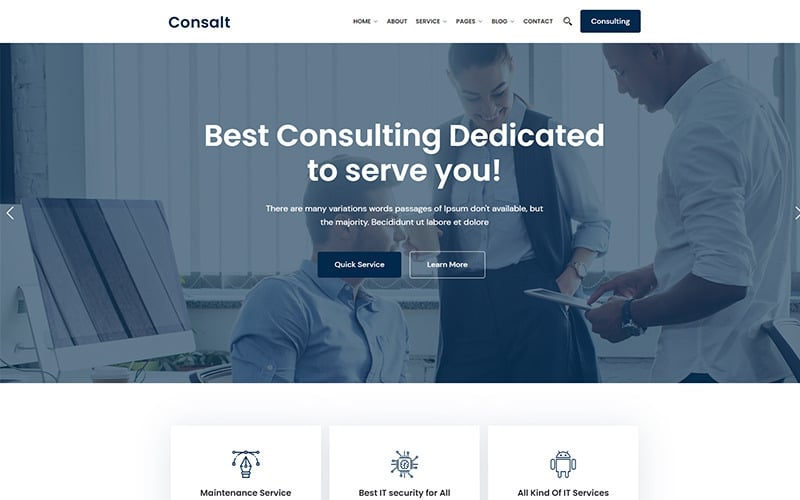
The layout breaks down strategic deliverables, client milestones, and implementation roadmaps with executive clarity.
Consalt ensures total mobile responsiveness, enabling corporate executives to book strategy appointments effortlessly from smartphones. Review mobile UX standards in our guide to mobile UX responsiveness.
Woostroid2 – Multipurpose Elementor WooCommerce Theme
Woostroid2 is a specialized eCommerce power theme crafted for businesses that operate substantial product inventories, wholesale B2B catalogs, and multi-category commercial storefronts. Built on Elementor, it combines advanced AJAX filtering, catalog mode toggles, and flexible mega menus.
View the multi-category storefront interface of Woostroid2 designed for business catalogs below.
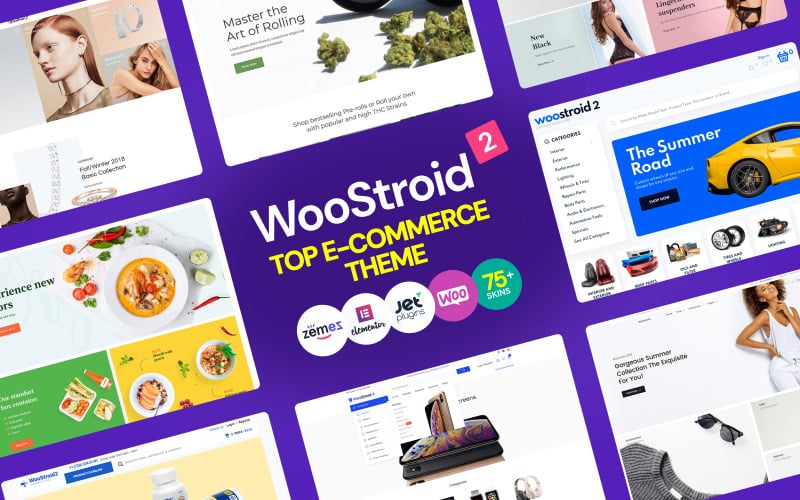
The layout demonstrates how large product directories are segmented into structured commercial category blocks.
Woostroid2 offers businesses the ability to switch between traditional eCommerce and a wholesale catalog mode. B2B firms can hide consumer pricing and display customized Request a Quote buttons that feed directly into sales CRM pipelines.
Its AJAX search and multi-attribute filters help wholesale clients pinpoint replacement equipment, corporate supplies, and industrial components instantly without full browser reloads.
Inspect the product comparison and specification tab interface of Woostroid2 below.
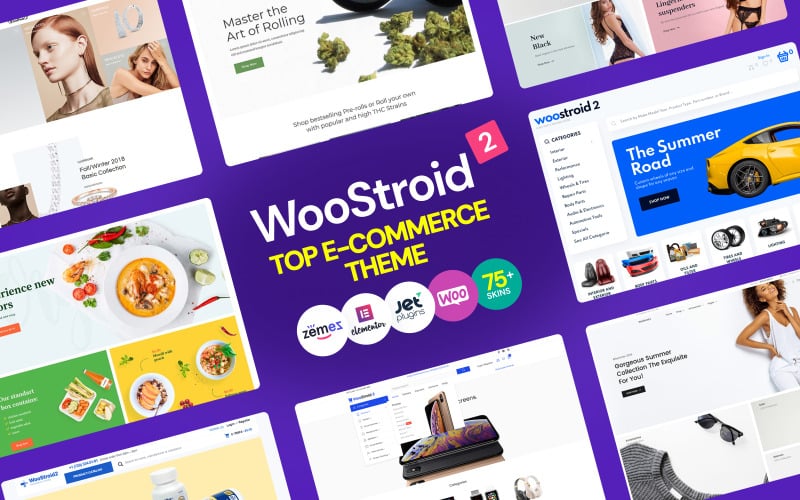
The module enables corporate procurement officers to compare technical specifications side-by-side easily.
The template provides robust third-party plugin compatibility, allowing businesses to integrate ERP inventory sync and invoicing extensions smoothly. Compare it with broader options in our best WooCommerce themes guide.
Hazel – Clean Minimalist Multi-Purpose WordPress Theme
Hazel delivers a refined, minimalist WordPress theme tailored for design agencies, architecture firms, and high-end corporate brands. It emphasizes generous white space, bespoke typography pairings, and clean WooCommerce store layouts that highlight premium services with understated elegance.
Review the minimalist corporate aesthetic of Hazel showcasing portfolio projects below.
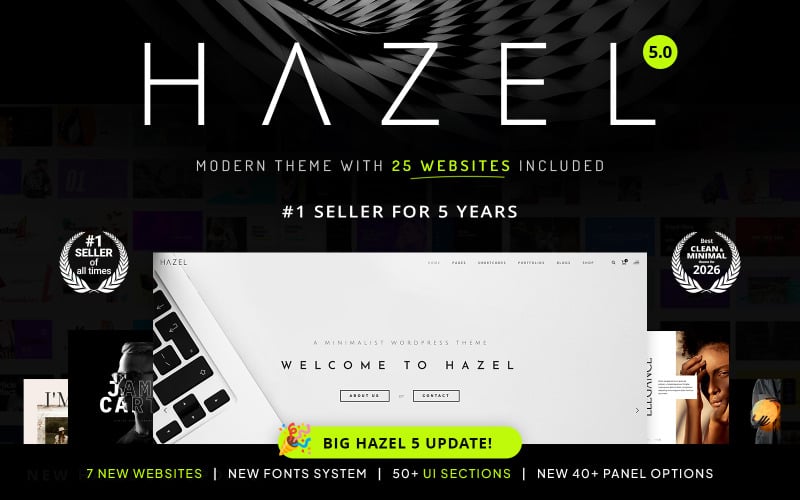
The clean layout uses balanced whitespace and restrained typography to convey executive corporate professionalism.
Hazel offers multiple portfolio presentations including masonry grids, full-width galleries, and interactive case study sliders. Creative business firms can showcase client success stories and project outcomes with cinematic clarity.
Its WooCommerce implementation is equally refined, featuring minimalist product cards, distraction-free product detail pages, and a streamlined cart drawer that keeps buying friction at an absolute minimum.
Check the typography-driven service presentation of Hazel displayed below.
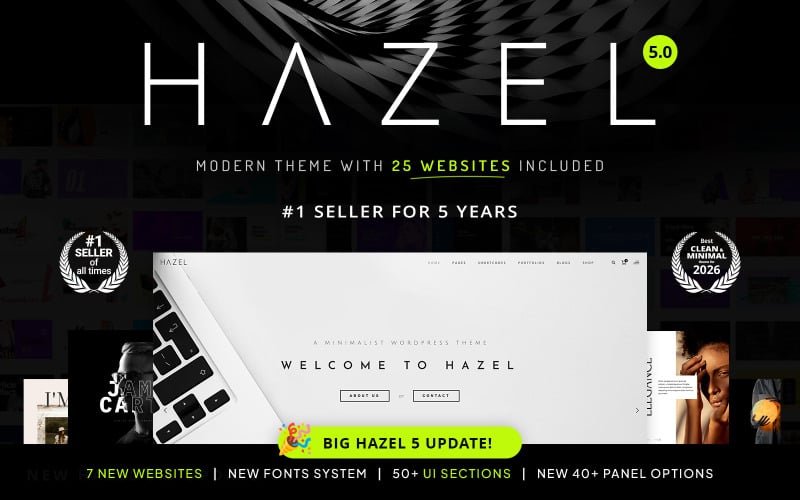
The interface highlights agency credentials, team leads, and recent corporate accolades cleanly.
Hazel maintains an ultra-lean code base that produces excellent Core Web Vitals scores out of the box. Store owners benefit from rapid mobile rendering and dependable search engine crawl accessibility.
ITAgency Responsive Website Template for IT Solutions & Business
ITAgency is a dedicated technical template designed for SaaS providers, managed service providers (MSPs), and IT consulting firms. It incorporates service package comparison grids, interactive cybersecurity assessment widgets, and lead capture forms engineered for enterprise contracts.
Examine the managed IT solutions layout of ITAgency showcasing technical services below.
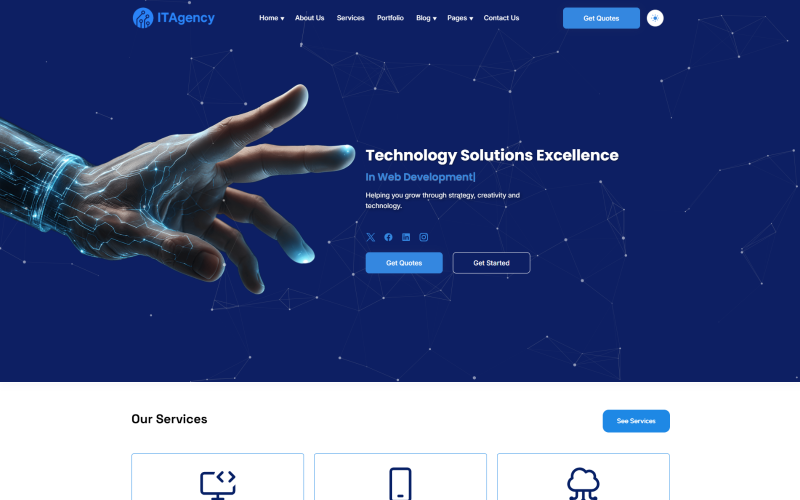
The screenshot captures clear IT service pillars, compliance badges, and consultation request modules.
IT firms face unique commercial challenges, requiring prospects to understand complex SLAs and support tiers. ITAgency simplifies this communication through clear tabular pricing modules that specify response times, backup frequencies, and security audits.
The template provides pre-built layouts for cloud infrastructure migration, network security audits, and software development outsourcing. Each layout guides visitors smoothly toward scheduling a technical discovery call.
Review the technical service pricing and SLA comparison of ITAgency below.
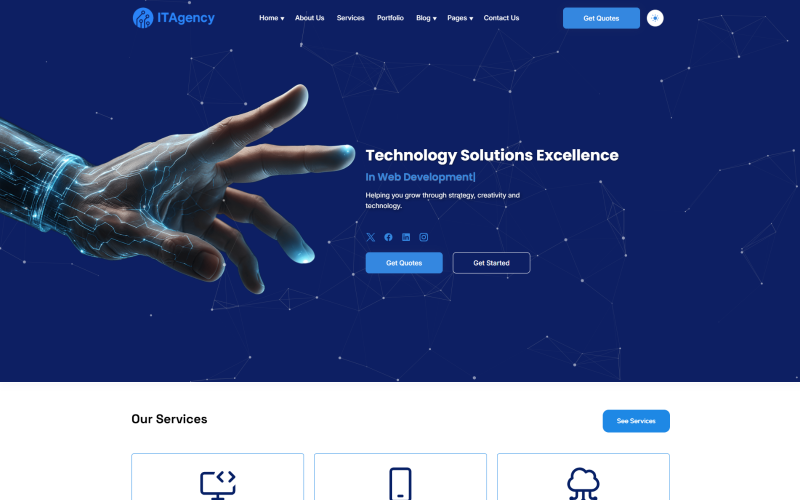
The grid highlights monthly retainer pricing, guaranteed response windows, and dedicated engineer allocations.
With clean semantic HTML5 markup and Bootstrap responsive styling, ITAgency executes quickly across all mobile and tablet resolutions. Its lightweight footprint ensures seamless browsing for busy corporate decision-makers.
Techvio Multipurpose HTML5 Website Template
Techvio provides a modern, high-speed website template crafted for technology consulting firms, software development agencies, and digital transformation consultancies. It features interactive service tabs, corporate case study archives, and conversion-optimized quotation request modals.
Inspect the homepage architecture of Techvio configured for technology consultancies below.
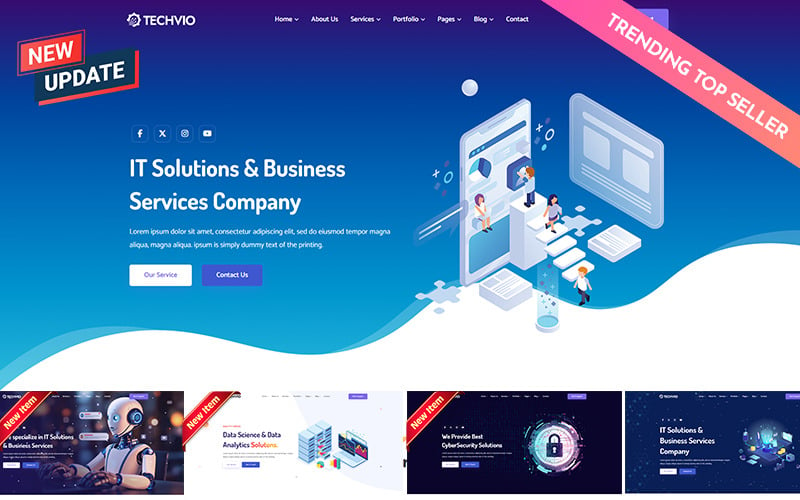
The layout demonstrates how modern tech consulting firms present key service competencies and client success metrics.
Techvio excels at presenting high-level technical expertise through approachable visual layouts. Businesses can highlight software development stacks, client case studies with measurable ROI outcomes, and strategic methodologies clearly.
The template includes interactive contact forms and custom RFP submission modules that capture qualified client details efficiently. These structured touchpoints help corporate business development teams filter incoming inquiries rapidly.
View the corporate case study and capability grid of Techvio shown below.
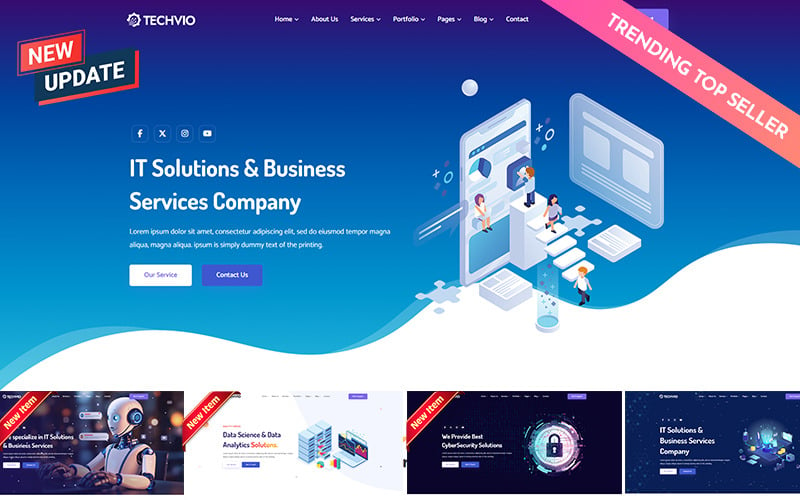
The grid organizes client problem statements, implemented software architectures, and measured performance gains neatly.
Built with clean responsive frameworks and well-commented code, Techvio serves as a reliable frontend foundation for corporate sites. It integrates easily into custom WordPress themes and content management systems.
Factors to Consider When Choosing WooCommerce Themes for Business
Selecting an effective WooCommerce theme for corporate business requires evaluating mobile responsiveness, core loading speed, catalog mode flexibility, and enterprise plugin integration. Choose templates that reinforce executive authority while streamlining service bookings and client invoice payments.
Mobile Responsiveness
Over half of all corporate decision-makers evaluate prospective vendor websites on mobile devices, making responsive layouts non-negotiable. A properly responsive corporate theme dynamically refactors multi-column pricing grids, keeps consultation buttons sticky, and ensures readable typography on smaller screens.
Ensure that complex service breakdown tables and case study galleries maintain clear readability on touchscreens. Clumsy horizontal scrolling on mobile devices instantly erodes corporate credibility.
Page Speed
Page loading speed directly impacts corporate lead generation and organic search rankings across competitive commercial keywords. Lightweight themes with optimized asset delivery, deferred script loading, and minimal CSS bloat ensure rapid Largest Contentful Paint times even on content-heavy corporate portals.
Run Google PageSpeed tests on theme demos before making a final commitment. Clean baseline code ensures your business portal maintains passing Core Web Vitals under heavy visitor traffic.
WooCommerce Compatibility
Tight compatibility with the latest WooCommerce core releases guarantees uninterrupted transaction processing and reliable payment gateway operations. High-quality business themes receive frequent updates that prevent compatibility conflicts with recurring billing and invoicing extensions.
Verify that your theme supports standard WooCommerce hooks and templates. Clean integration ensures you can introduce custom B2B pricing or quote request workflows without breaking core store functionality.
Customization Options
Modern corporate themes must provide intuitive visual customization options that allow marketing staff to adjust color palettes, typography, and page headers without writing code. Seamless Elementor support empowers teams to build tailored landing pages for specific B2B marketing campaigns quickly.
Choose templates offering modular content blocks and global style controls. Unified branding controls keep multi-page corporate portals visually consistent across all departments.
Plugin Support
Corporate web portals rely on specialized plugins for customer relationship management, appointment scheduling, translation, and lead capture. Selecting a theme with proven third-party compatibility prevents costly script conflicts and ensures reliable corporate data synchronization.
Check theme compatibility with tools like WPForms, Bookly, HubSpot, and WPML. Reliable extension support ensures seamless scaling as your corporate operation expands.
SEO Readiness
Semantic HTML structure, clean heading hierarchies, schema markup readiness, and open graph support form the foundation of corporate search visibility. An SEO-ready business theme enables search engine bots to crawl service packages and case studies with maximum topical authority.
Ensure the theme generates proper breadcrumb trails and supports Open Graph metadata. Structured markup helps search engines display rich company snippets in commercial search results.
Design Versatility
Corporate firms often expand their service offerings into new industry verticals, making design versatility a crucial long-term asset. A versatile multipurpose theme provides diverse layout modules suitable for consultancy services, physical product sales, and educational whitepapers.
Select themes that include multiple header styles, customizable footers, and interchangeable grid layouts. Diverse design assets ensure your website evolves smoothly alongside your business strategy.
Ongoing Updates
Active developer support and frequent security patches insulate corporate websites from vulnerabilities and platform deprecations. Themes supported by reputable author teams guarantee swift bug fixes and uninterrupted compatibility as WordPress evolves.
Examine developer changelogs and marketplace reviews before purchase. Consistent updates over multiple years indicate a dedicated team committed to long-term product maintenance.
Frequently Asked Questions
Common questions regarding WooCommerce themes for corporate business address mobile loading benchmarks, multilingual expansion capabilities, native conversion tracking tools, and checkout customization options. Review our detailed answers to resolve technical architecture decisions before your site launch.
Which Theme Loads Fastest on Mobile Devices?
Hazel and Poket consistently achieve the fastest mobile loading times due to their lightweight asset structure and minimal JavaScript dependencies. When paired with proper server caching and image compression, both templates easily attain 90+ mobile performance scores on Google PageSpeed Insights.
Can These Themes Support Multilingual Business Stores?
Yes, themes like Poket, Monstroid2, and Woostroid2 provide full WPML, Polylang, and TranslatePress compatibility. They include standard translation PO/MO files and support RTL layouts, allowing corporate enterprises to deliver localized language and currency experiences for international clients.
Do Any Themes Include Built-In Conversion Tracking Tools?
Monstroid2 and Woostroid2 incorporate JetEngine and Elementor form tracking modules that integrate with Google Tag Manager, GA4, and Meta Pixel. These native integrations allow marketing teams to monitor consultation requests and quote submissions without installing heavy external tracking plugins.
Are These Themes Compatible With Popular Page Builders?
Yes, Monstroid2, Poket, Consalt, and Woostroid2 feature dedicated Elementor drag-and-drop page builder integration. Hazel and the HTML5 templates support visual builders and the native WordPress block editor, giving marketing teams complete layout flexibility across all device viewports.
How Easy Is It to Customize Checkout Pages?
Themes featuring Elementor integration like Monstroid2 and Woostroid2 offer visual WooCommerce checkout builders that let administrators rearrange form fields, add trust badges, and remove unnecessary billing steps. Streamlined checkout customization helps eliminate drop-offs during final transaction completion.
Conclusion
Selecting the right WooCommerce theme for corporate business bridges the gap between executive credibility and frictionless online commercial conversion. Poket and Monstroid2 deliver industry-leading versatility for enterprise corporations, while Consalt and Woostroid2 provide specialized strengths for consulting advisory and high-volume B2B operations.
Examine your primary business model, required lead capture workflows, and catalog requirements before deploying your chosen theme. Investing in a robust corporate template ensures a scalable digital foundation that drives measurable business growth throughout 2026.

Abdullah Prem is the founder of EcommerceThemes.org and BloggersNeed.com. He specializes in reviewing Shopify themes, WooCommerce themes, WordPress themes, hosting, plugins, and SaaS tools. Through EcommerceThemes.org, he publishes in-depth theme reviews, product comparisons, buying guides, and performance analyses to help ecommerce businesses choose the right theme based on speed, SEO, customization, user experience, and overall value. His goal is to provide research-driven recommendations that help store owners make informed decisions when selecting an ecommerce theme.